Which Work Bag Format Fits the Project Brief?
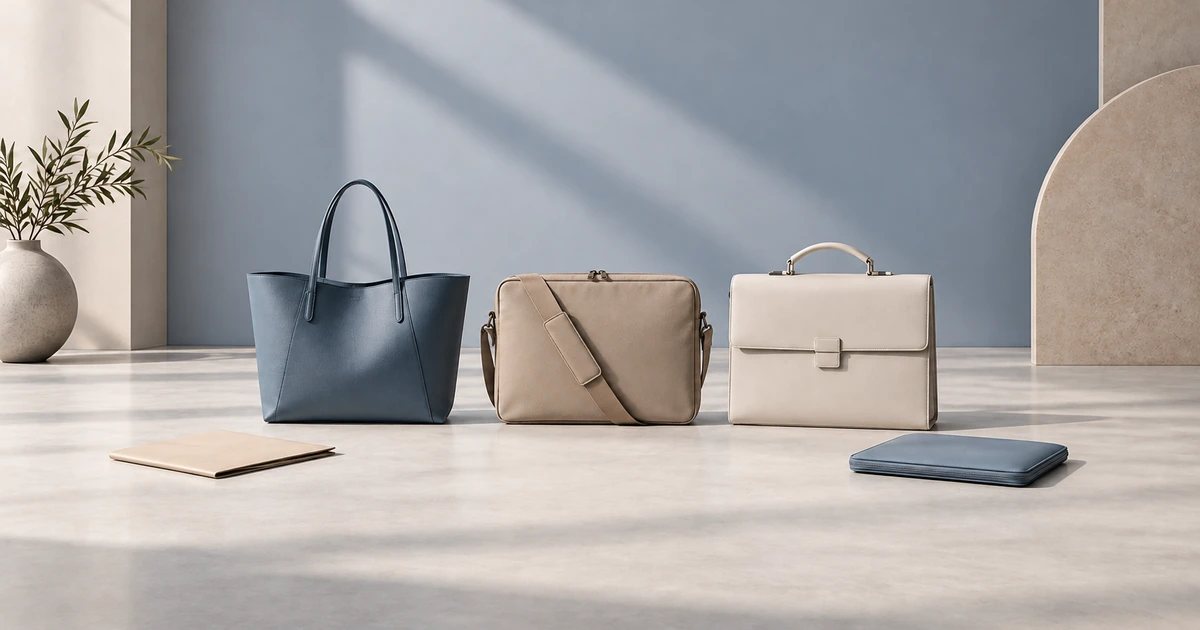
Choose a work tote when quick access and flexible daily capacity lead the brief; choose a laptop bag when a dedicated device area and shoulder or crossbody carry matter; choose a briefcase when structured document-and-device organization and hand carry matter. Confirm fit with the actual device in its sleeve, usable opening, interior base, closure and a loaded sample—not screen diagonal alone.
A work bag is a name for office or professional use, not a fourth fixed construction. A buyer may use that term for a tote-led direction, a device-led laptop bag or a more structured briefcase. The label does not settle how the bag opens, whether it has a device compartment, or what it can carry. Begin with the actual items people need together; then specify access and closure, carry direction, and the structure and interior layout required for that use. Audience labels such as “for women” or “for men” do not establish those physical requirements.
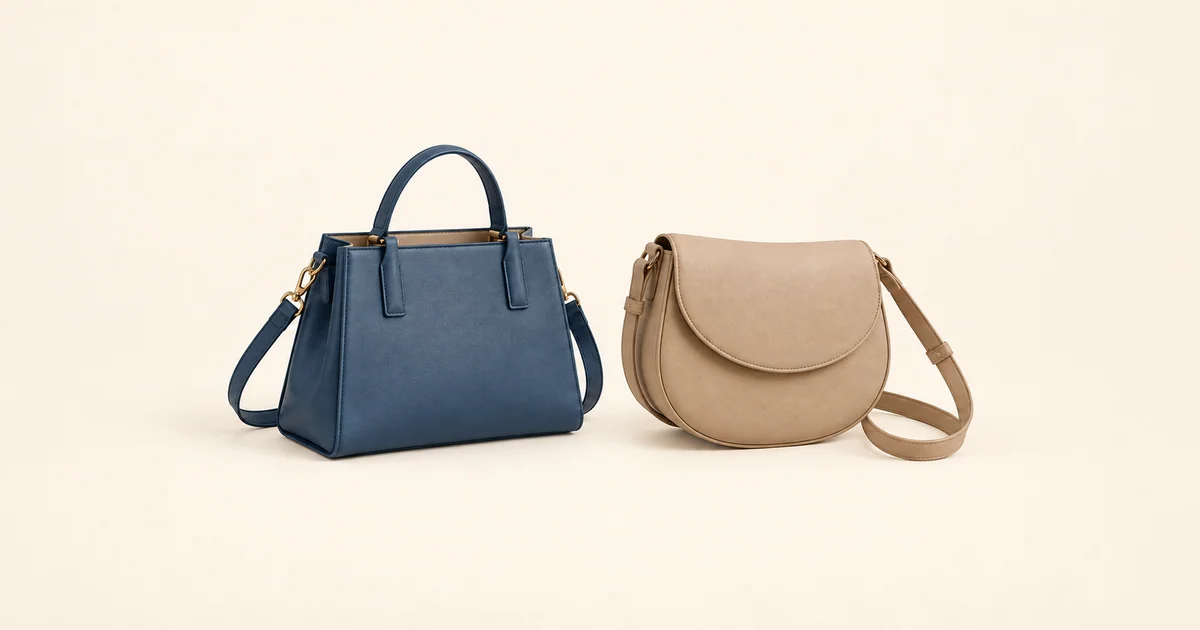
For a boutique, wholesaler or private-label team, the useful output is a project brief that another person can review. Record a requirement when the buyer knows it, and mark a question Open when it still needs a measurement, design decision or sample observation. A reference photo can establish a style direction, but it cannot prove usable space or performance.
How Do a Work Tote, Laptop Bag and Briefcase Differ?
Use the table as a vocabulary and question set, not a ranking or a claim that every bag sold under a name has the same features. A “laptop purse,” “laptop handbag” or “computer bag” may describe a selling direction; the actual construction still needs to be specified.
| Format | What it means in this guide | Access and organization questions | Device / document fit to confirm | Carry and structure to confirm |
|---|---|---|---|---|
| Work bag | An umbrella term for a bag intended for office or professional carry | Which format, opening, closure and layout does the buyer actually mean? | What devices, sleeves, documents and daily items must fit together? | Which hand, shoulder, crossbody or backpack direction is required? |
| Work tote | A tote-led office-carry direction; construction and closure vary by design | Is quick access important, and what closure or pockets are required? | Usable opening, interior base, divider/pocket intrusion and combined load | Handle/strap direction, structure, loaded balance and sample observations |
| Laptop bag | A device-led format whose compartment and protection requirements must be specified | How should the device area be accessed, separated and closed? | Actual device-plus-sleeve dimensions, compartment clearance and closure | Hand/shoulder/crossbody requirement, compartment construction and sample result |
| Briefcase | A structured office-carry direction often organized around documents and a device | What document orientation, compartments and opening path are needed? | Device/sleeve, folder or portfolio dimensions and usable internal space | Hand carry and any shoulder option, body structure, closure and loaded sample |
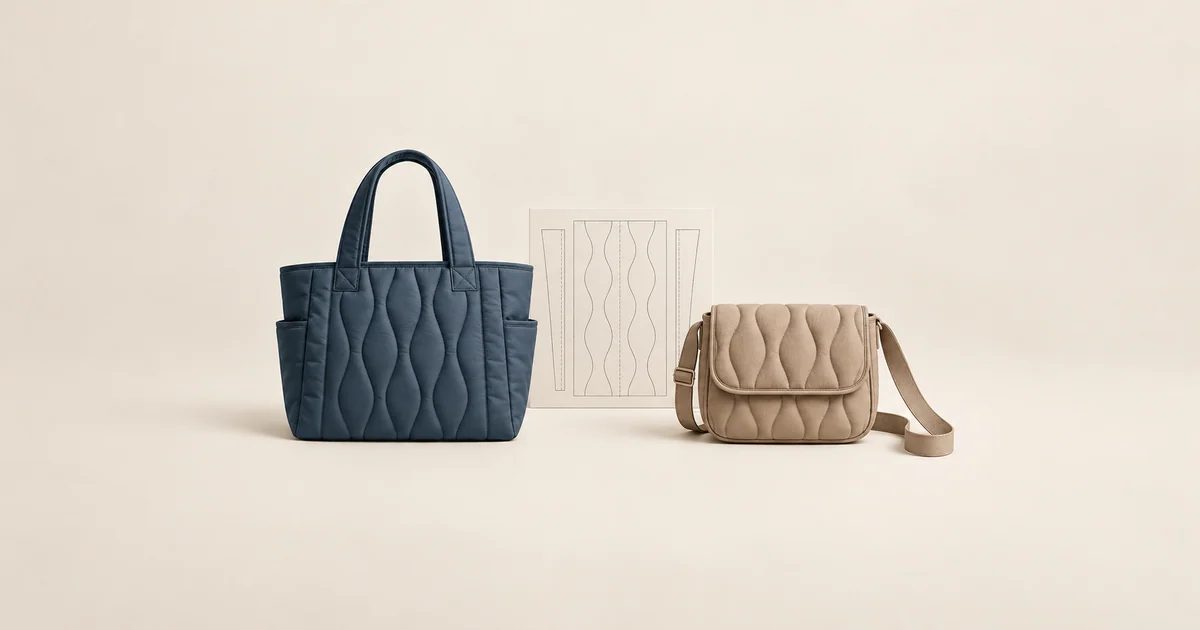
A work tote may suit a brief centered on everyday access and mixed contents, but it is not necessarily open-top or large enough for a protected device. Check the clear opening and interior base rather than assuming an outside width is usable. Buyers needing the broader size vocabulary can compare tote dimensions and usable fit separately; its reference ranges do not replace measurements for this project. When the uncertainty is whether a shoulder-led silhouette or tote-led silhouette better expresses the office direction, compare shoulder-bag and tote formats before specifying this bag's carry and access details.
A laptop bag can be designed around a dedicated device area, but the name alone does not establish padding, impact protection, water resistance or fit. A briefcase may place more emphasis on document orientation and a structured body, yet its opening, closure and carry options also depend on the chosen design. Keep the three directions open until the buyer's load and usage requirements make the differences meaningful.
How Should Buyers Confirm Laptop and Device Fit?
A screen diagonal is not the finished width, height and thickness of the device. A model name also does not measure the device inside the sleeve or case people will actually use. Ask for those outside dimensions and units, plus the insertion orientation. Then compare them with the narrowest usable opening, the interior base, interior height below the intended closure and any dedicated compartment. A pocket, seam, divider, lining or proposed padding may reduce clear space. An exterior maximum width is not proof that the device passes through the opening or rests flat inside.
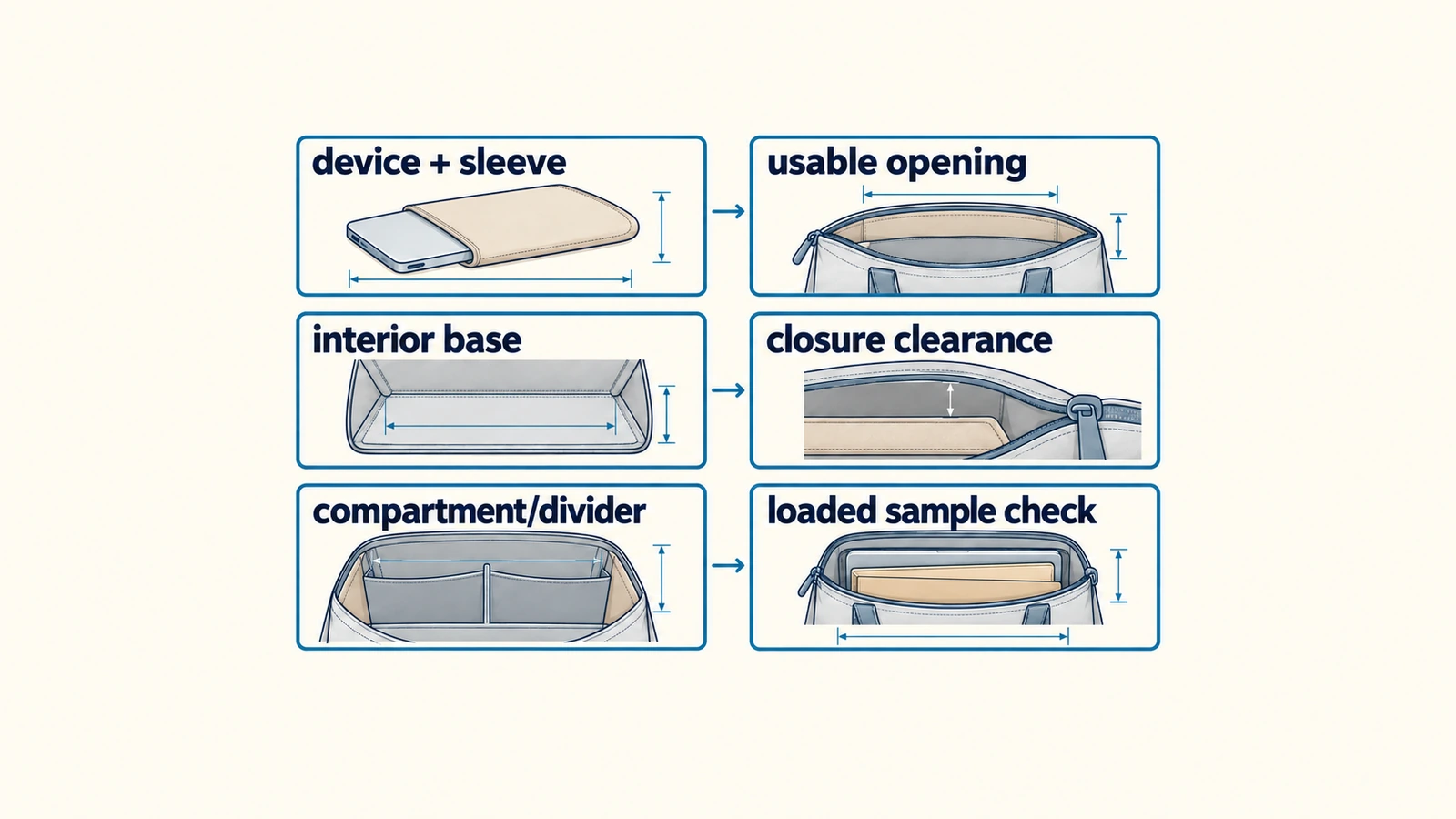
The worksheet leaves project values Open; it is not a universal laptop-size chart. The buyer can fill known measurements, request a measurement where the bag design is still being defined, and test the complete load in the relevant sample.
| Checkpoint | What the buyer can provide or measure | What must be confirmed | Status |
|---|---|---|---|
| Device with its usual sleeve/case | Finished width × height × thickness, with units | The actual protected device, not screen diagonal alone | Provided / Open |
| Insertion orientation | Landscape, portrait or another required path | Whether the device can enter without forced bending or pressure | Provided / Open |
| Usable opening | Clear width and height at the narrowest insertion path | Closure, taper and structure may reduce the opening | Provided / Open |
| Usable interior base | Clear width and depth where the device/load will rest | Outside maximum width does not prove base fit | Provided / Open |
| Interior height and closure clearance | Clear height below the closed zipper, flap or other closure | Whether the planned load closes as intended | Provided / Open |
| Device compartment or divider | Clear compartment dimensions and location | Lining, padding, seams, dividers and pockets can reduce usable space | Provided / Open |
| Other planned contents | Folder/portfolio, charger, bottle, pouch and other actual items | Combined arrangement, not one item in isolation | Provided / Open |
| Carry and sample observation | Intended carry mode and the loaded sample version checked | Insertion, removal, closure, balance and remaining questions | Checked / Open |
A device fitting on its own is only one observation. The intended folder, charger, pouch, bottle or other items can change the insertion path, available base area and whether the closure works as intended. Confirm both the individual device path and the whole planned load with the current sample.
What Interior Layout, Opening and Carry Details Need to Be Specified?
Describe how the user should retrieve the device and documents, not just how many pockets appear in a photo. Does the device need a separate compartment or divider? Which way must a folder or portfolio sit? Would slip or zip pockets help organize a charger and cables, and could they intrude into the device path when filled? Mark any unresolved pocket position or compartment construction Open so it can be checked against the current pattern and sample.
For the opening, specify the clear insertion path at its narrowest point and the closure direction under review. A zipper, flap or another closure can change the path and the clearance available after the bag is shut. The appropriate option depends on the actual project; no closure type is automatically the safest, most durable or easiest for every buyer. Check insertion, retrieval and closure with the intended contents in place.
State whether hand, shoulder or crossbody carry is needed, and which handle or strap details the team wants to evaluate. Observe the loaded sample in the intended carry mode, including balance and how the opening and pockets are reached. Do not turn a single wear observation into a universal comfort, ergonomic or load-rating claim. Lining also needs a project choice: material direction, color, hand feel, layout and the sample state to review. Buyers who need the separate material discussion can review lining and interior specification questions; this work-bag brief does not assign material performance or price.
What Should Buyers Check on a Loaded Work-Bag Sample?
Identify the sample version and the brief or specification version used for the check. A photograph or product name does not show whether the current device with its usual sleeve will pass through the opening or whether the whole load will close. Use the actual device, sleeve, documents and other planned items. Record whether insertion and removal are practical, where the opening or closure interferes, how the load rests on the base, how the compartment and pockets work when filled, and what is observed in the required carry modes.
Write down the observation conditions: which sample was used, which items were loaded, what was actually checked and which questions remain Open. A sample can support a decision about that version and load; it does not certify every production unit, future batch, useful life, water resistance, impact protection or a particular carrying weight. If an adjustment changes the opening, compartment, structure or closure, confirm the revised version again against the same load rather than relying on the earlier result.
If the buyer is deciding whether to leave hand or shoulder carry for a two-strap format, compare backpack and shoulder carry formats as a separate direction. This article does not set laptop-backpack compartment, back-panel or strap specifications; those would need their own product brief.
What Should a Buyer Send for a Work-Bag Project Review?
Start with what is available. Name the work tote, laptop bag or briefcase direction—or say that the team is still comparing them. A reference image, sketch or tech pack can show what to retain or change, even when it is incomplete. If known, add the actual device-with-sleeve width, height and thickness with units, plus the documents, charger, bottle, pouch and other items expected to travel together. Note the preferred opening and closure, compartment or pocket layout, hand/shoulder/crossbody direction and structural questions.
Material, color, logo, lining, hardware and packaging can remain directions rather than approved specifications. Estimated quantity, destination country and target timing are useful if the buyer has them, but they are not prerequisites for contact. Mark missing measurements and unresolved design decisions Open; do not substitute a screen diagonal for a device measurement. Buyers comparing development routes may review OEM and ODM starting points before discussing the project. Available options, materials, pricing, MOQ, sampling arrangements and timing are confirmed only for the specific inquiry.
Is a work tote the same as a laptop bag?
Not necessarily. Work tote starts with a tote-led office direction; laptop bag emphasizes a device-led requirement. Neither name proves the presence of a compartment, cushioning or fit. Check the actual device in its sleeve against the usable opening, interior base, closure clearance and loaded sample.
Is a laptop screen size enough to choose a work bag?
No. A screen diagonal does not give the protected device's width, height or thickness, and it says nothing about the bag's usable opening, base, compartment or closed clearance. Measure the actual device with its usual sleeve and test the full planned load in a sample.
Which is better for a B2B project: a work tote or a briefcase?
There is no universal winner. The choice depends on access, document and device layout, intended carry, structure, the buyer's channel and what a loaded sample shows. Leave unknown requirements Open rather than choosing by gender, geography or a claim that one format is inherently more professional.
Planning a work-bag project? Send the format you are considering, actual device-and-sleeve dimensions, items to carry, preferred opening and carry direction, material and branding notes, estimated quantity and delivery country if known. You can start with what you have and mark unknown details Open; available options, pricing and timing are confirmed for the specific project. Discuss Your Work Bag Project.
Related wholesale styles currently in our catalog include the Shoulder Bag Tote Bag Genuine Leather Women’s Bag Underarm Bag Large Capacity and the Commuting Genuine Leather Large Capacity Woven Tote Bag New Arrival — useful reference points for material, hardware and sizing before specifying a custom order.
For related sourcing guidance, see Camera.
B2B Buyer Checklist
Before you request a quote, prepare the information that affects MOQ, sample cost, lead time and final unit price.
- Target product category, size and reference images.
- Expected order quantity per style and per color.
- Material preference, lining requirements and hardware finish.
- Logo method, packaging items and delivery country.
- Target retail price or target factory price range.
Decision Table
| Buyer Question | Why It Matters | What to Send the Factory |
|---|---|---|
| What is my MOQ target? | MOQ affects material sourcing, production planning and unit price. | Quantity per style, per color and launch schedule. |
| Which material should I choose? | Material controls price band, durability and brand positioning. | Reference photos, desired texture and target market. |
| How much customization do I need? | Logo, lining, hardware and packaging change sample time and cost. | Logo files, packaging references and required details. |
| What is my delivery deadline? | Sampling, production and shipping need realistic planning. | Launch date, delivery country and preferred shipping method. |