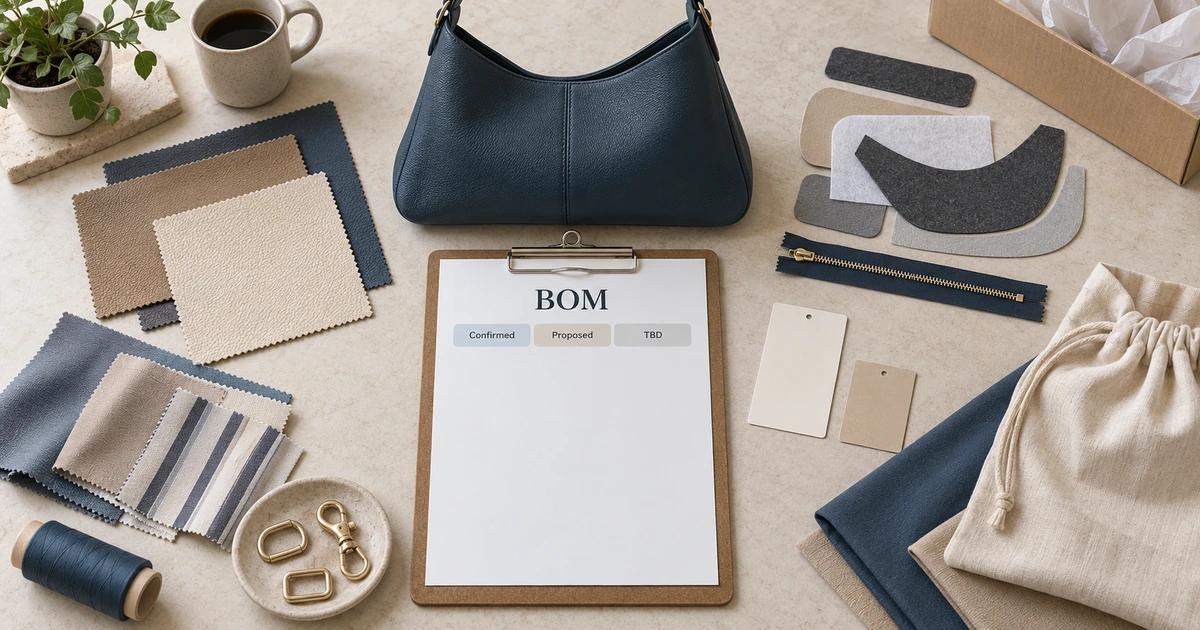
A handbag bill of materials is a version-controlled component record for one project. It identifies the outer material, lining, reinforcement, hardware, thread, logo application, labels and packaging reference, then marks each item as Confirmed, Proposed or TBD. It does not replace the tech pack’s drawings, dimensions or construction instructions, and a status label does not confirm cost, availability, consumption or compliance.
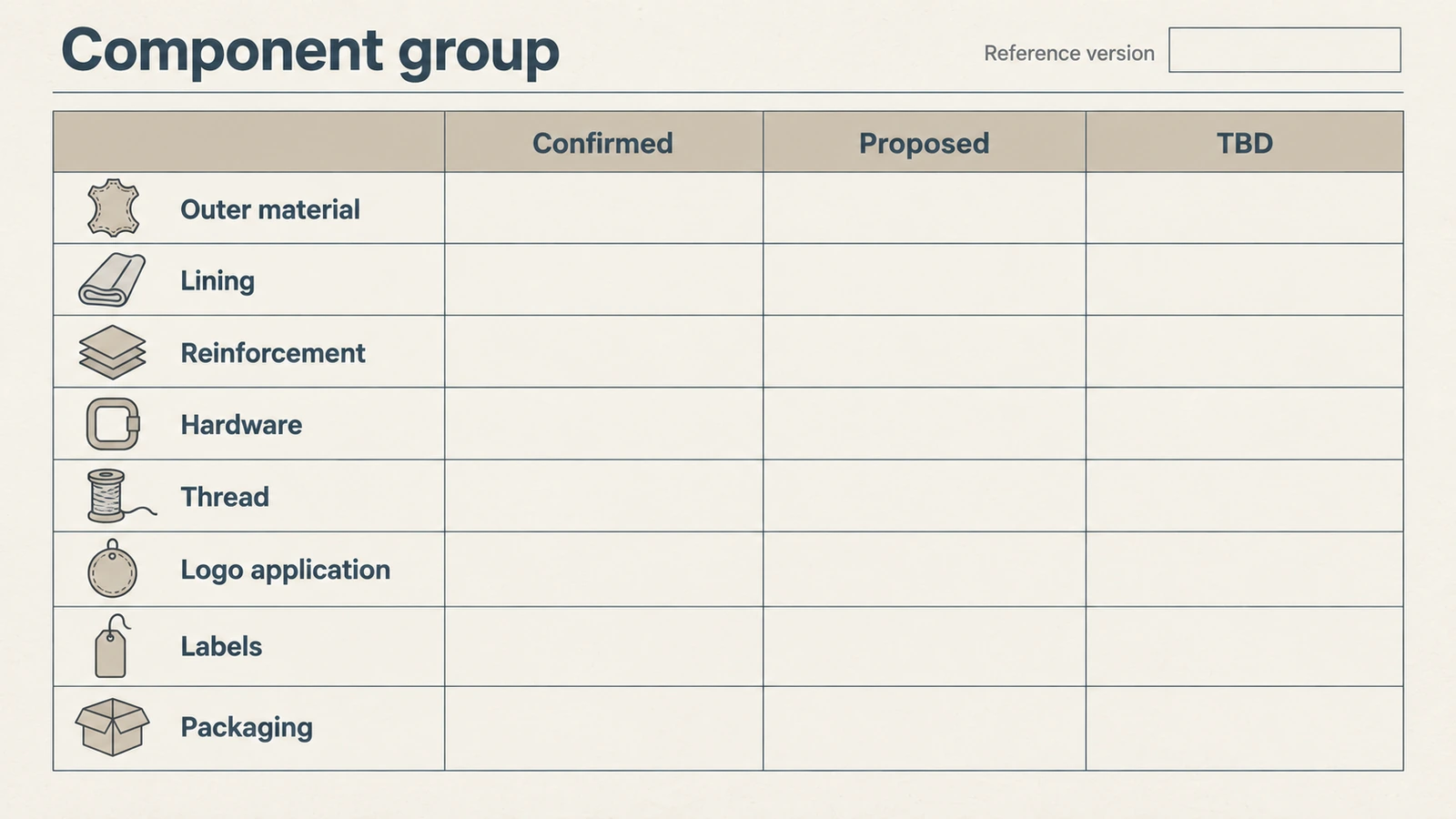
You can start with a reference bag, image set, sample, swatch or existing component list. If your information is incomplete, record what has been agreed, what is only a candidate and what still needs an answer. The blank worksheet below shows fields and component groups, not a real customer order, supplier specification or approved production list.
What Is a Handbag Bill of Materials?
A buyer BOM gives each distinct component or use its own row. For the current style, it answers four practical questions: what item is meant, which reference version controls its description, what has been agreed so far and what question remains. A shared style or project identifier helps the buyer and supplier review the same record.
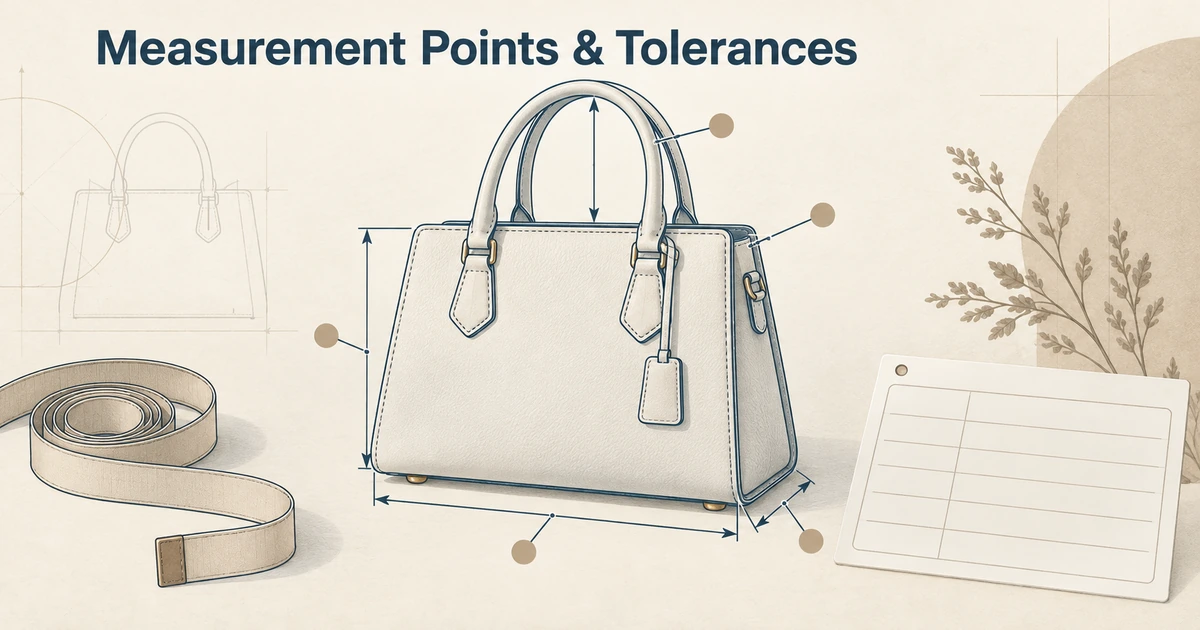
The BOM identifies components; it does not draw the bag. Keep the design details separate: record drawings, dimensions and construction instructions in the handbag tech pack. Even a fully described BOM is not proof of purchase, inventory, cost, quality, testing, compliance or production approval.
Which Fields Belong in a Buyer BOM?
Use six fields for each row:
- Component group: choose one of the eight groups in the worksheet.
- Item / use location: name the specific item and where it is used. If two items in one group have different uses or references, make two rows.
- Buyer identifier / description: use your own project name, description or recognizable code; do not invent a supplier part number.
- Reference / version: identify the current sample, swatch, image, artwork, file or specification version. If references conflict, ask which one controls instead of assuming the newest does.
- Status: use only Confirmed, Proposed or TBD as defined below.
- Open question / owner: state the decision still needed and whether the buyer or supplier should take the next step.
| Component group | Item / use location | Buyer identifier / description | Reference / version | Status | Open question / owner |
|---|---|---|---|---|---|
| Outer material | Body / trim / handle / strap, as applicable | ||||
| Lining | Main lining / pocket lining, as applicable | ||||
| Reinforcement | Base / handle / opening / panel, as applicable | ||||
| Hardware | Zipper / puller / D-ring / clasp / buckle / feet, as applicable | ||||
| Thread | Construction / visible topstitching, as applicable | ||||
| Logo application | Method / location, as applicable | ||||
| Labels | Brand / project label, as applicable | ||||
| Packaging | Protective / retail / shipping item, as applicable |
These rows are starting points. Copy a row whenever items, uses or references differ within one group. Keep only items actually used in your project; as applicable does not make every listed item mandatory. A blank cell is neither approval nor a factory default. Turn an unresolved item into TBD with a question and an owner. This worksheet has no consumption, cost, inventory or supplier-code fields and is not a purchase order or production release.
Which Components Need Their Own BOM Row?
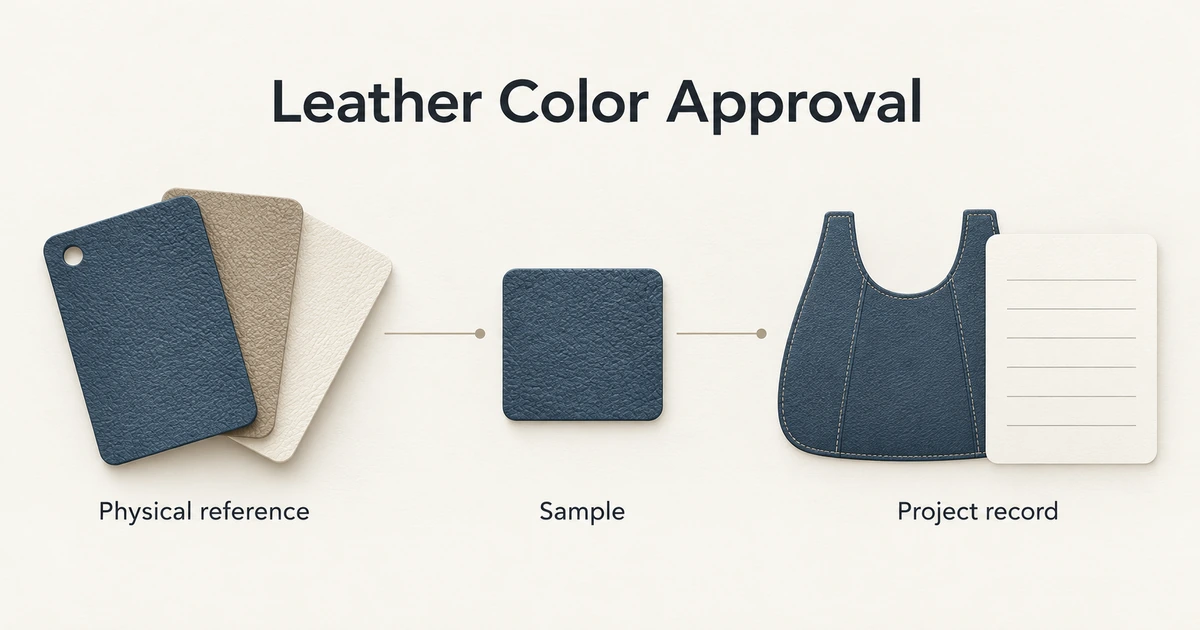
Outer material: separate body, trim, handle and strap when they use different materials, colors or controlling references. One material name cannot identify every use.
Lining: separate main lining, pocket lining and other internal materials when their references differ. To choose the material itself, review lining choices and the details to specify; this BOM records the choice and its current status.
Reinforcement: identify the applicable base, handle, opening or panel location and its project reference. Do not infer a material, thickness or performance from the group name.
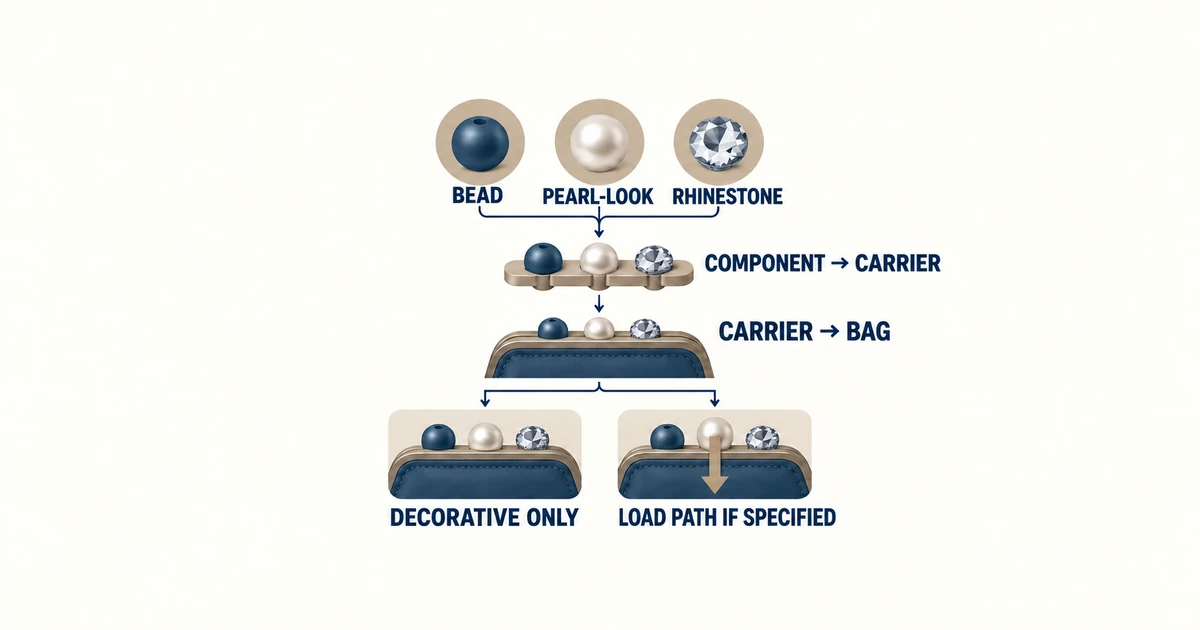
Hardware: a zipper, puller, D-ring, clasp, buckle and foot can each need a different row and reference. For project options, review available handbag hardware directions rather than treating one generic hardware line as a specification.
Thread: separate construction thread and visible topstitching if the intended use or reference differs; the BOM does not prescribe a universal thread specification.
Logo application: record the intended application method or location identifier and the controlling artwork version. Leave placement dimensions and construction detail in the tech pack.
Labels: identify each brand or project label and its reference separately when needed. A label entry does not establish destination-specific compliance.
Packaging: record the protective, retail or shipping item actually relevant to this project. Do not assume every package type applies.
How Do Confirmed, Proposed and TBD Work?
Confirmed means the buyer and supplier have identified and agreed the same component or description and controlling reference version for this project record. Record both the identifier and version; list any remaining execution question. Merely seeing an item in a photo, knowing its name or having an earlier sample does not confirm it. Confirmed does not mean purchased, in stock, cost-locked, compliant, tested or guaranteed to perform.
Proposed means there is a candidate direction awaiting buyer review, a sample, swatch or artwork check, or further project discussion. Record the candidate reference, decision question and owner. It is not buyer approval or a supplier promise of availability.
TBD means the component, reference or version cannot yet be determined from the current information. Record the question, who will supply the missing information and the next review point. TBD is not permission to leave the matter blank or use a factory default.
Move between states only when the project record supports the change; the route need not be strictly linear. When a new sample, swatch, artwork or file changes a row, update its controlling version and note the change rather than silently replacing the old reference. If a confirmed choice is reopened, give it the appropriate current status and question. These labels help communication; they do not replace project sign-off.
How Can You Start a BOM from a Reference?
- Give your reference bag, image set, sample or swatch a recognizable name and date or version.
- Add only the components you can actually identify or that have been described to you. A component visible in an image is not automatically a confirmed material choice.
- Mark an item Confirmed only if the project has agreed its description and controlling reference; mark a candidate Proposed and an unresolved item TBD.
- Turn what you want to keep, change or discuss into specific questions with an owner.
- When another reference arrives, identify its version and what changed. Do not combine an old image, old sample and new decision into one assumed approval.
A partial BOM is enough to begin a focused conversation. You do not need a complete tech pack before asking about the missing component details.
How Does the BOM Connect to the Tech Pack and Purchase Order?
Use one style or project identifier across the files. The tech pack carries design and construction specifications; the BOM carries component rows, reference versions and status. If the documents disagree, raise the conflict for project review instead of allowing this article or the newest-looking file to choose a production rule.
At order preparation, attach the current BOM version to the purchase order pack as a controlled attachment. The BOM does not replace order quantities, prices, payment terms, packaging levels, delivery instructions, inspection requirements or approvals. The order documents must state their own applicable terms and control references.
What Should You Share for a BOM Review?
Bring the reference bag, image set, sample or swatch and its recognizable version; a partial component list or BOM if you have one; and the current Confirmed, Proposed and TBD entries. Add your style, intended use, estimated quantity if known, and the questions you want help resolving. Share only artwork, references and project files you own or are authorized to use.
Have a reference bag, image set or partial component list? Mark agreed component references Confirmed, options awaiting review Proposed and unresolved items TBD, then use the quote request below to discuss the missing details. Available materials, components, scope and commercial terms must be confirmed for the specific brief.
For related sourcing guidance, see Launching a Leather Handbag Brand.
Have a specific sourcing question on this topic? Share your project details and our team will respond directly.
For reference, our current catalog includes styles such as the Open Tote — useful as a specification baseline when briefing your own factory or sourcing agent.
B2B Buyer Checklist
Before you request a quote, prepare the information that affects MOQ, sample cost, lead time and final unit price.
- Target product category, size and reference images.
- Expected order quantity per style and per color.
- Material preference, lining requirements and hardware finish.
- Logo method, packaging items and delivery country.
- Target retail price or target factory price range.
Decision Table
| Buyer Question | Why It Matters | What to Send the Factory |
|---|---|---|
| What is my MOQ target? | MOQ affects material sourcing, production planning and unit price. | Quantity per style, per color and launch schedule. |
| Which material should I choose? | Material controls price band, durability and brand positioning. | Reference photos, desired texture and target market. |
| How much customization do I need? | Logo, lining, hardware and packaging change sample time and cost. | Logo files, packaging references and required details. |
| What is my delivery deadline? | Sampling, production and shipping need realistic planning. | Launch date, delivery country and preferred shipping method. |